Fujitsu M740power Workstation
There isn't much to discuss about this device, except that I was able to get ahold of one and wanted to see if I could improve it in any ways. This document will serve as a terse summary of everything I have and haven't achieved.
Coreboot
Not happening. This device features an unusually standard-ish series of system boards, D3348-A2x, that are ATX compliant besides a missing ATX power connector (but solder pads for one), and a few extra non-standard connectors around the board taking only 12V and GND. There's nothing stopping you from porting Coreboot to this board, but the chipset, an Intel C612 (Wellsburg), is not supported by the Haswell raminit blob, so it will need to be reverse engineered.
Neutralise the Intel Management Engine
Yes! A SOIC-16 clip and SPI programmer is needed. In-system programming on this board is possible, that is to say, you don't need to desolder the flash memory chip, but you do need to flash it externally. My device featured the Winbond 25Q128FVFQ.
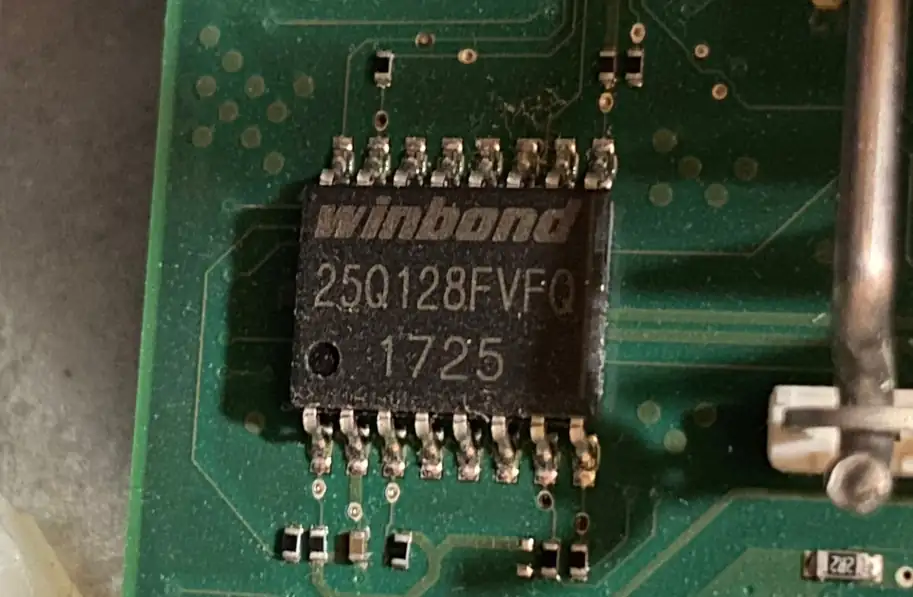
Figure 1. A small SOIC-16 flash memory chip soldered to the computer's system board.
The process is as simple as reading the entire firmware ROM, running the dump through me_cleaner, and then writing it back. The stock firmware has no trouble booting with the Management Engine neutralised this way. Both stripping management engine components and flipping the AltMeDisable bit are supported. Interestingly, the stock firmware seems to explicitly recognise this situation in the configuration menu; maybe this tells us a bit about Fujitsu's customers.
If you're not sure how to read and write SPI devices, or you want to learn how to wire up a SOIC-16 chip to your programmer, you should take a look at Leah Rowe's handy SPI programming guide.
Plastics
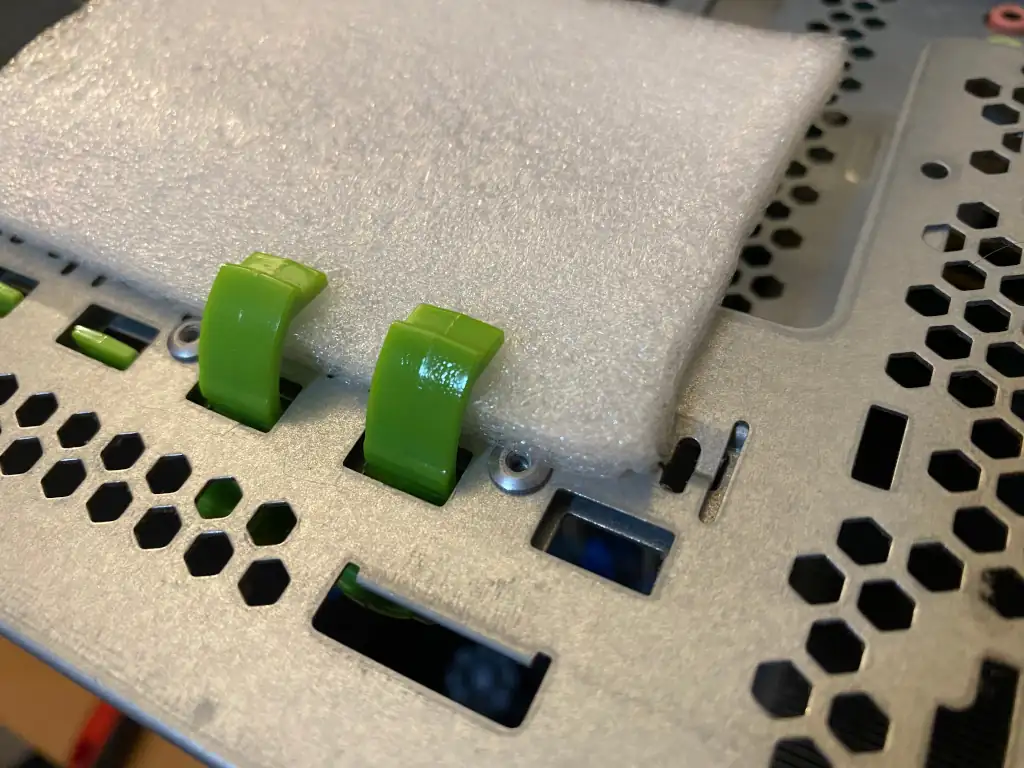
Figure 2. Two PCIe card clasps curing after being re-assembled with epoxy resin.
I found the plastic in this computer is extremely brittle, maybe the worst I've ever seen. The drive holders shatter after the first eject, and the clasps used to hold PCI Express cards are similarly weak. Epoxy resin can be used to put these items back together in a pinch, but I don't recommend buying this device because of it. Unless you are prepared to engineer your own solution, you need to buy more of these special drive holders in order to keep hard drives inserted; they are very expensive each, and there isn't any hotplug support anyway, so it's no better than having had the option to screw hard drives down. Don't fall for this if you can help it.
Processor Support
With the latest version of the official firmware (V5.0.0.11 - R1.17.0 13/02/2020), there should be no trouble running any socket-compatible processor in here. It appears to still be available on Fujitsu's website, I used a live environment of FreeDOS to flash it.
Power Cables
This device has a very capable power supply, but it requires proprietary connectors. Luckily, they aren't that hard to figure out.
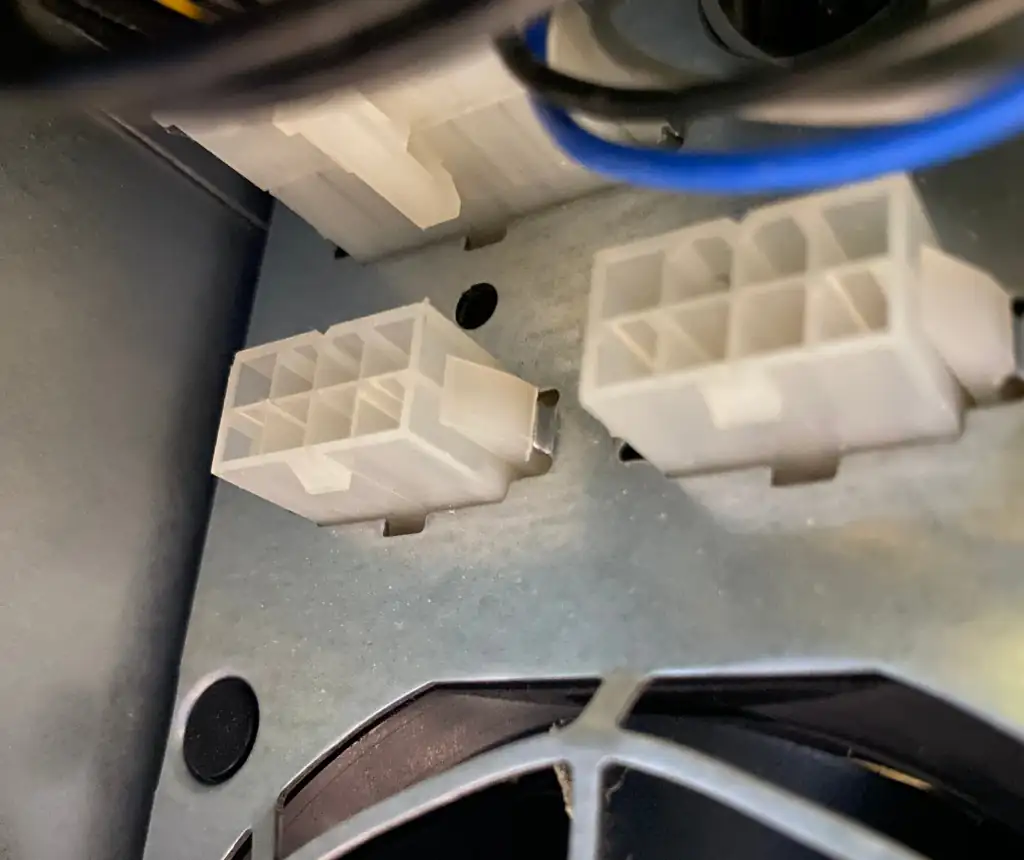
Figure 3. Two 12V power connectors exposed on the unit's power supply.
These two connectors provide four 12V pins and four GND pins. They were intended for plugging in graphics accelerators; you can either buy the cable for Fujitsu or make your own (what I did). The pins at the top of this image are the 12V ones, but you should always check with a multimeter just in case.
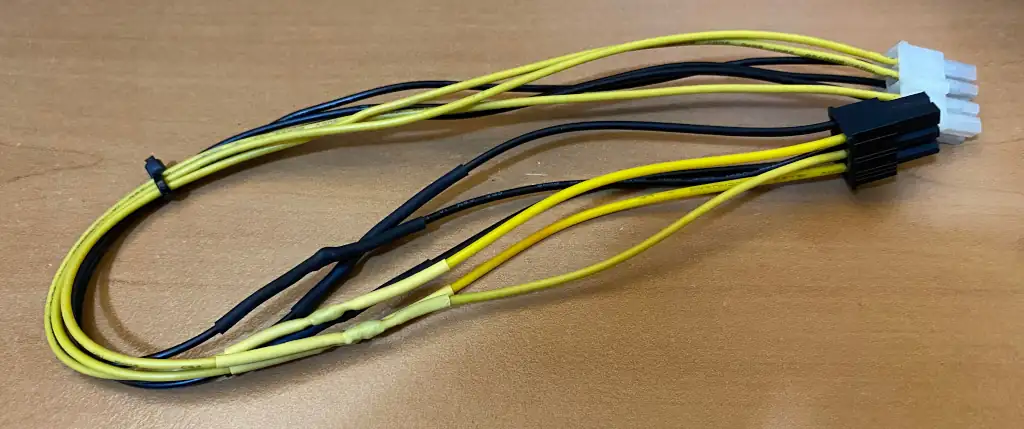
Figure 4. A custom-made power cable for the Fujitsu M740power Workstation.
Ta-da. It works. I'm running this with a 120W graphics accelerator, but I'm sure you can do more (if you're crazy). If you're making your own cables, you should be more worried about those.
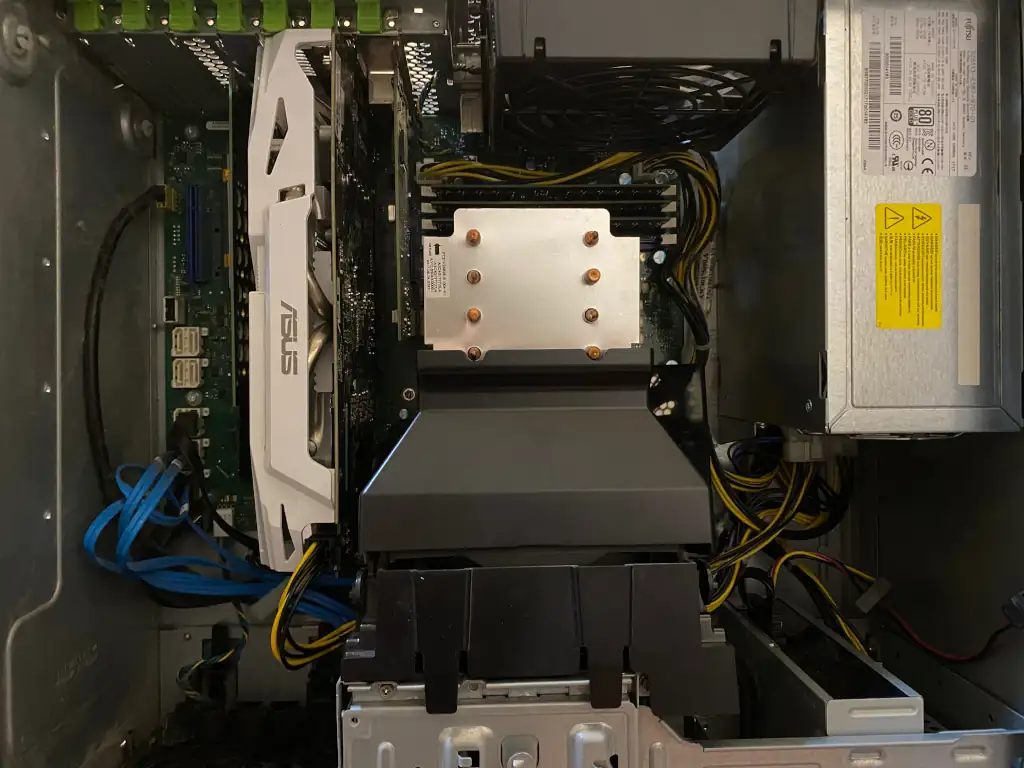
Figure 5. A close up view of the inside of the computer after I'm done.